> ## Documentation Index
> Fetch the complete documentation index at: https://docs.michelangelo.land/llms.txt
> Use this file to discover all available pages before exploring further.
# Quickstart
> Michelangelo.land is an innovative platform designed for developers, which allows them to create applications using Artificial Intelligence and Expo. The system guides users in code generation and project management, ensuring an optimized workflow and rapid iteration.
## Step-by-step guide
Welcome to this step-by-step guide on how to create an application using Michelangelo.land.
Each section will make the steps easier to understand.
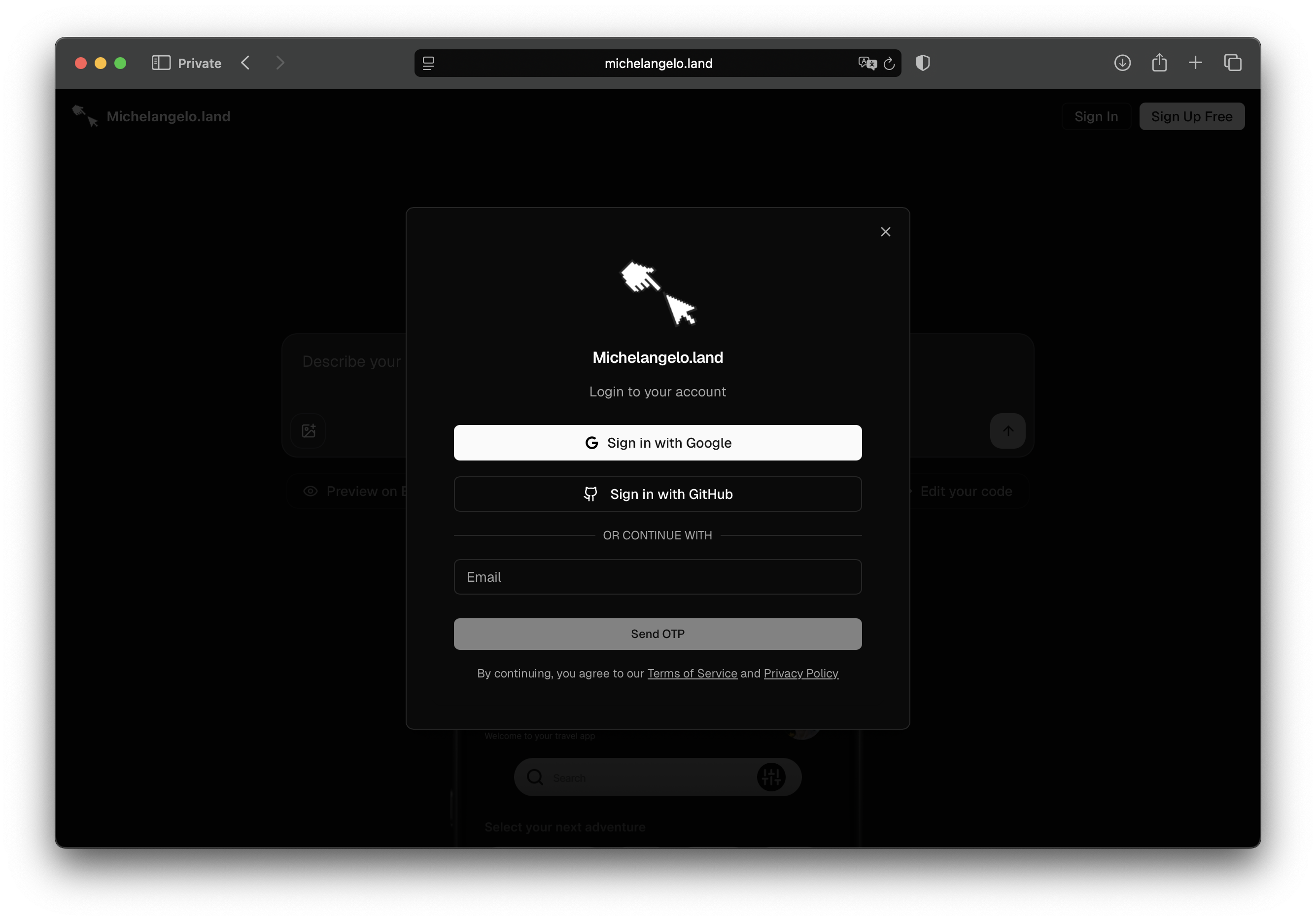
### Step 1: Sign in to Michelangelo.land
For details visit [Sign in to Michelangelo.land](/getting-started/sign-in-michelangeloLand)
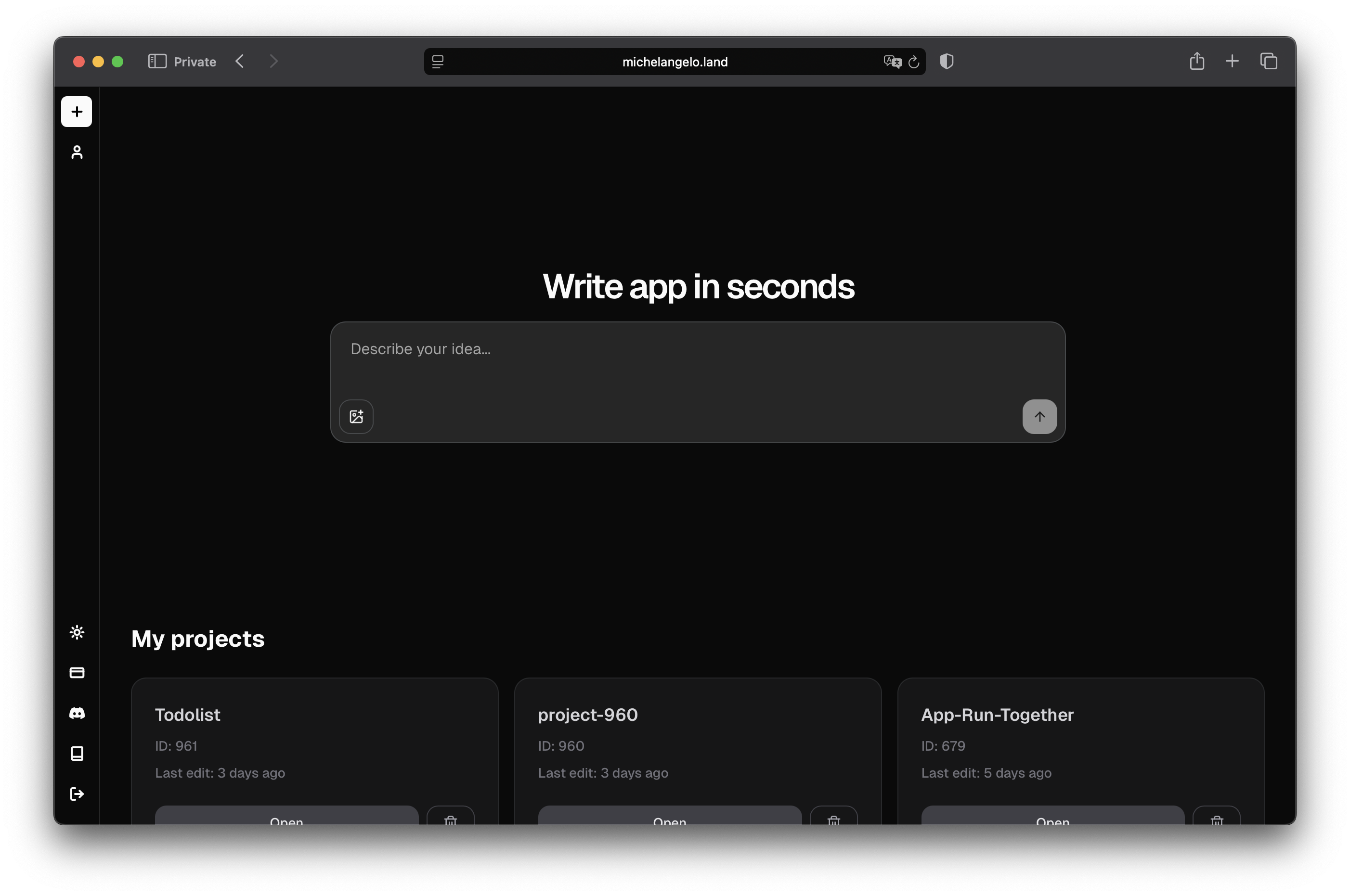
 ### Step 2: Create your project
For details visit [Create Project](/getting-started/create-project)
### Step 2: Create your project
For details visit [Create Project](/getting-started/create-project)
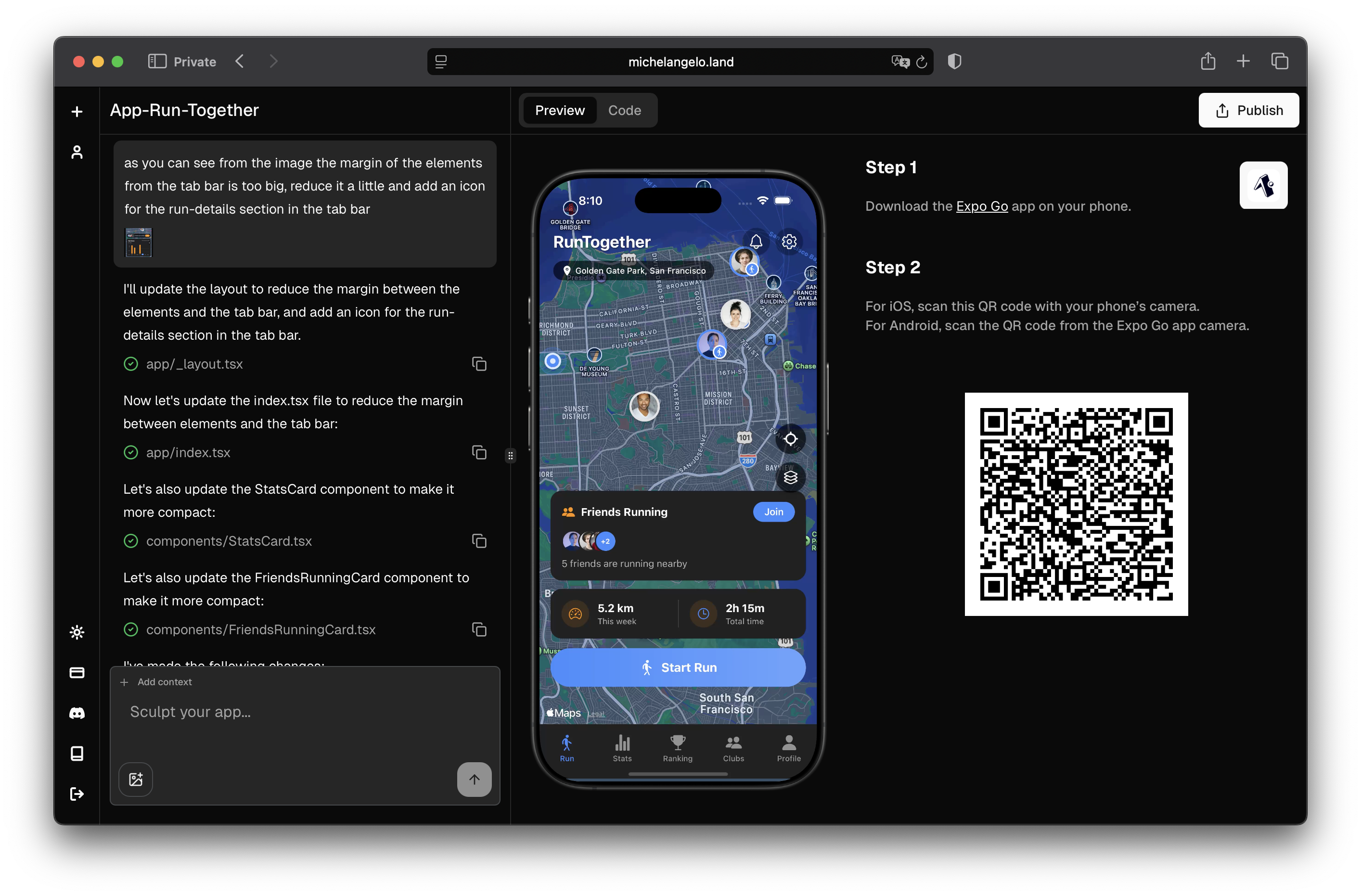
 ### Step 3: View your App
For details visit [View App](/getting-started/view-app)
### Step 3: View your App
For details visit [View App](/getting-started/view-app)
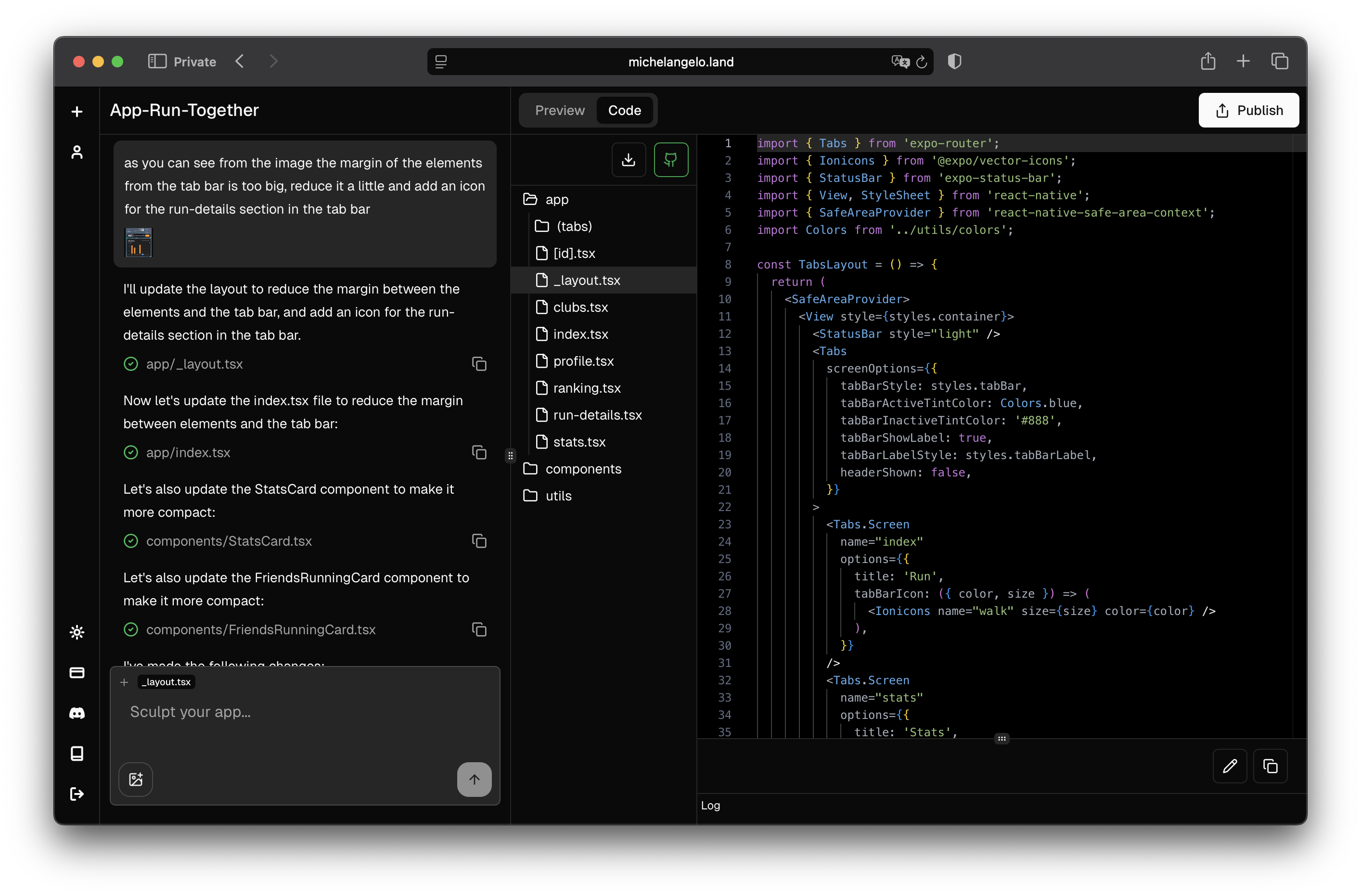
 ### Step 4: Explore and Edit the code
For details visit [Edit the code](/getting-started/edit-code)
### Step 4: Explore and Edit the code
For details visit [Edit the code](/getting-started/edit-code)
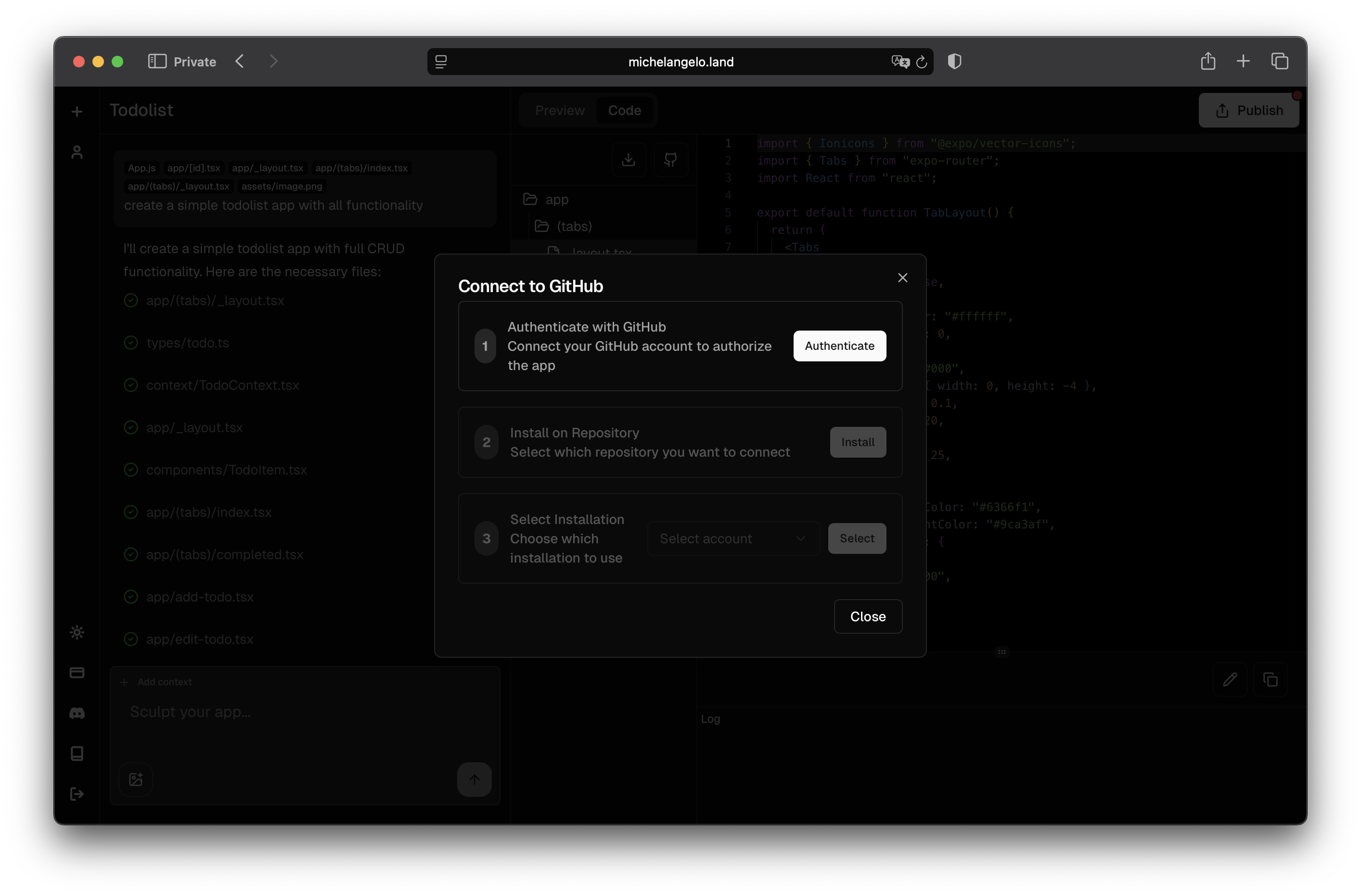
 ### Step 5: Save and Version the Project on GitHub
For details visit [GitHub Integration](/manage-and-deploy/github-integration)
### Step 5: Save and Version the Project on GitHub
For details visit [GitHub Integration](/manage-and-deploy/github-integration)
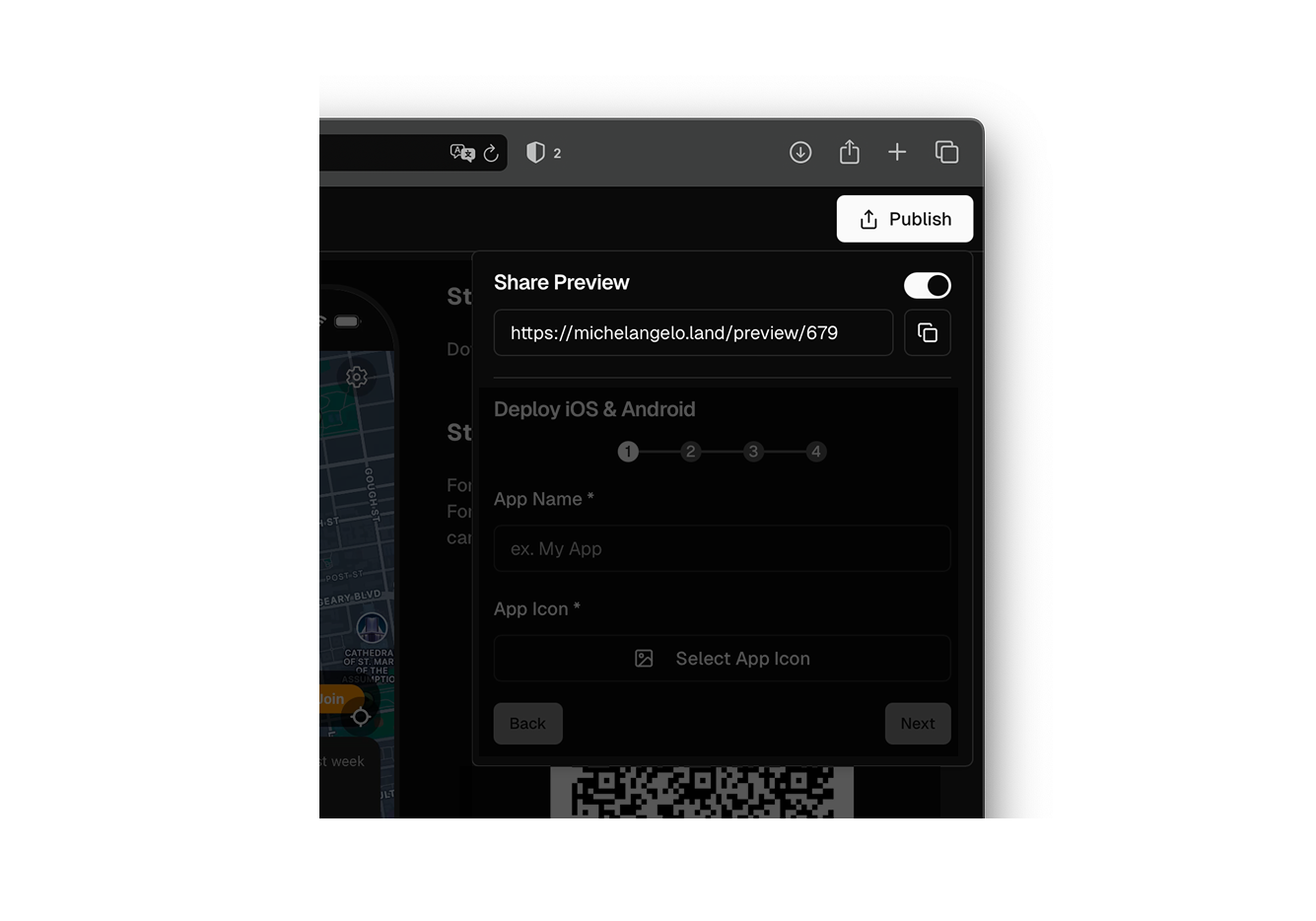
 ### Step 6: Share Preview
For details visit [Share Preview](/manage-and-deploy/share-preview)
### Step 6: Share Preview
For details visit [Share Preview](/manage-and-deploy/share-preview)
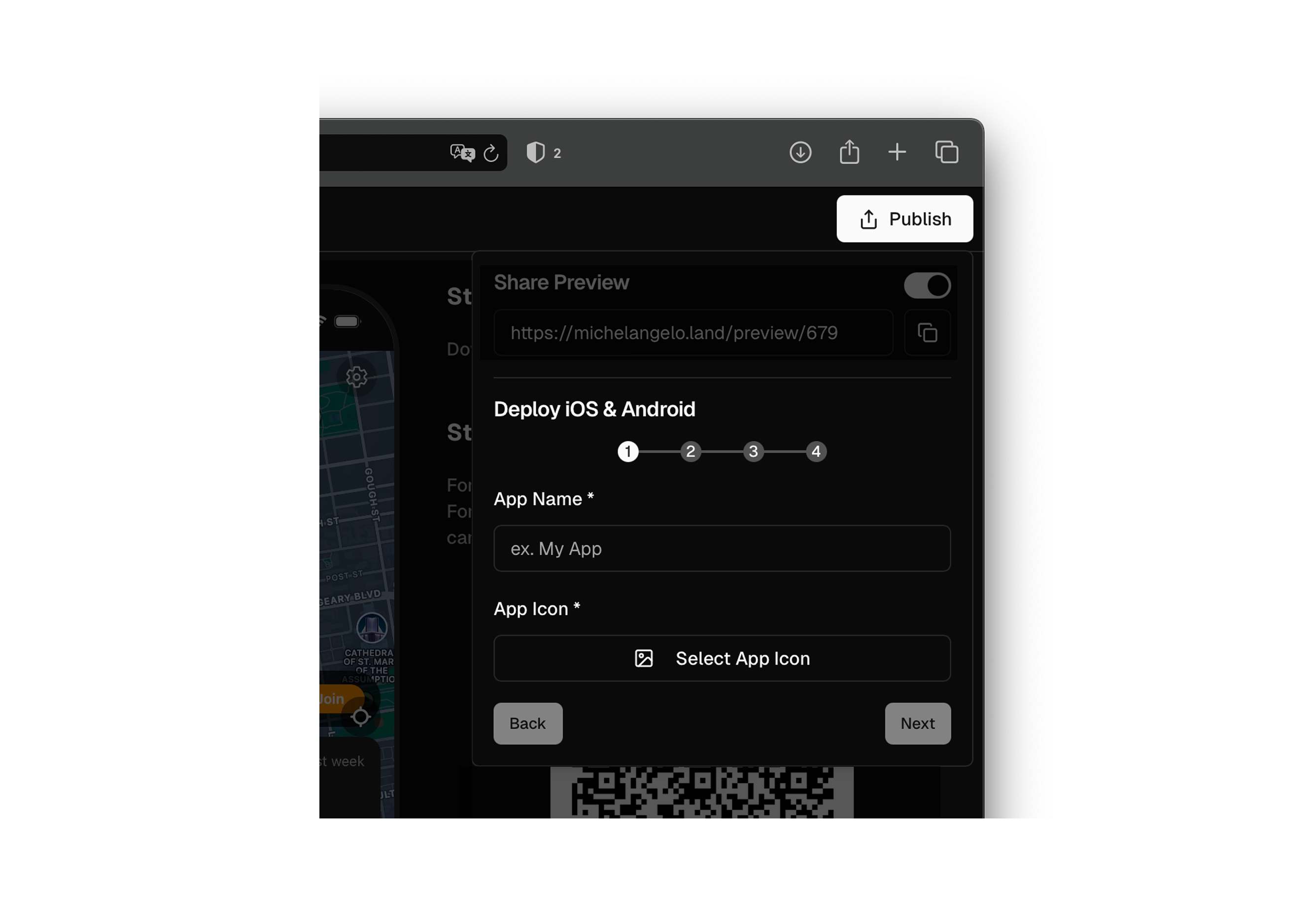
 ### Step 7: Deploy your App
For details visit [Deploy App](/manage-and-deploy/deploy-app)
### Step 7: Deploy your App
For details visit [Deploy App](/manage-and-deploy/deploy-app)
 ### Step 8: Conclusion
You just created your application with Michelangelo.land! 🥳 Now you can continue to modify, improve and distribute it easily.
If you need help, visit the Support section of the documentation or join the Community!
### Step 8: Conclusion
You just created your application with Michelangelo.land! 🥳 Now you can continue to modify, improve and distribute it easily.
If you need help, visit the Support section of the documentation or join the Community!