> ## Documentation Index
> Fetch the complete documentation index at: https://docs.michelangelo.land/llms.txt
> Use this file to discover all available pages before exploring further.
# Michelangelo: Vibe Coding
> Sculpt your apps fast using natural language with Michelangelo iOS App
## Product Features
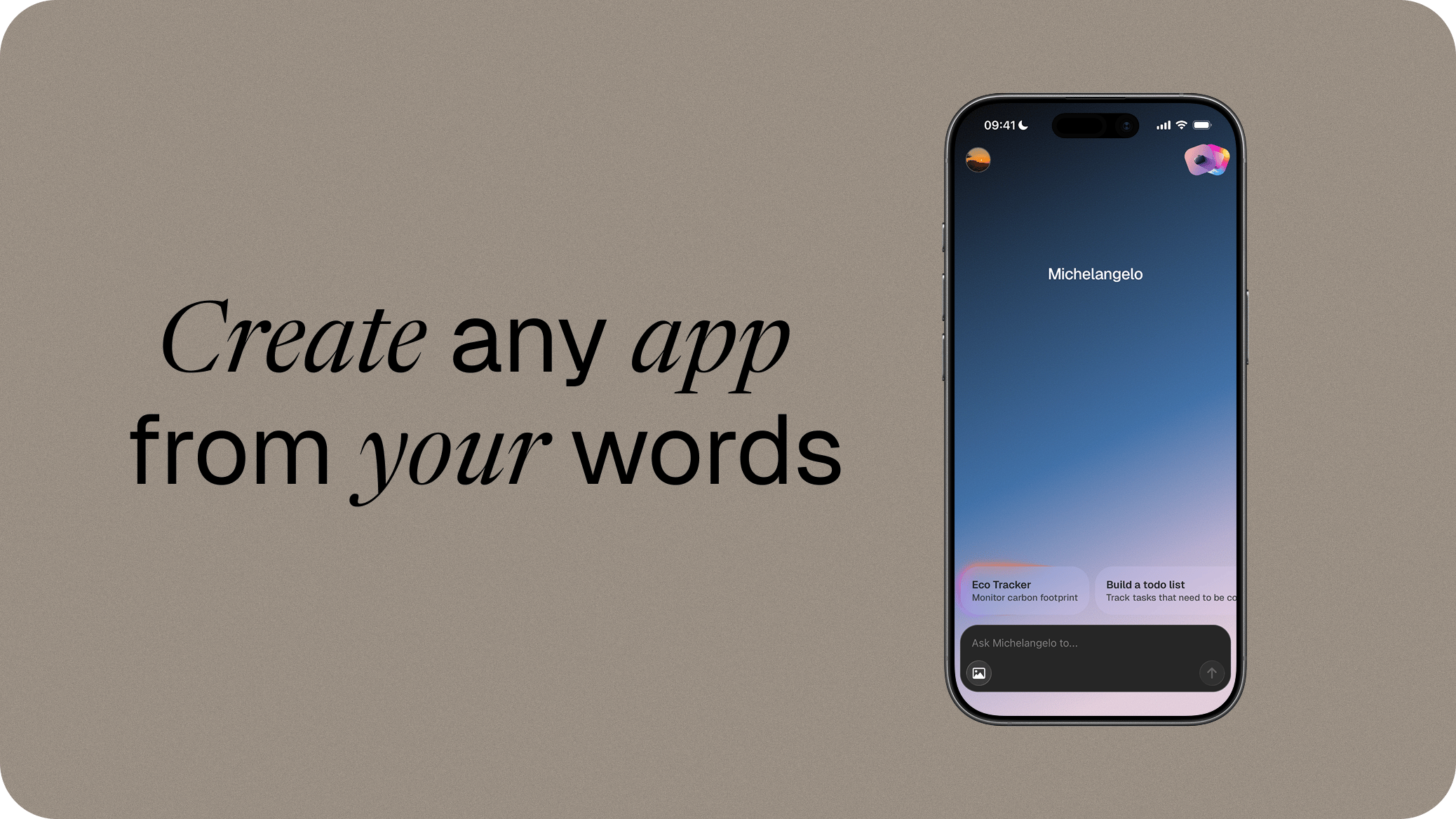
**Michelangelo: Vibe Coding** is the iOS app that brings the power of Michelangelo directly to your iPhone. Build **native mobile apps** with an intuitive and powerful interface, all in the palm of your hand.
 ## Overview
**Michelangelo: Vibe Coding** streamlines the development of **native mobile apps** by combining advanced **AI**, automatic code generation, and an optimized mobile interface.
With a **native iOS user experience**, fast distribution for **iOS**, and automatic synchronization with **GitHub**, the app provides developers with a **powerful** and **efficient environment** to create and deliver **high-quality native applications** directly from your iPhone, wherever you are.
## What You Can Do
* **Create projects with natural language** — describe the app you want and let Michelangelo generate the code.
* **Iterate in the editor** — chat with Michelangelo to refine your app, fix errors, and add new features.
* **Preview instantly** — run your generated app inside an inline sandbox without leaving the app.
* **Share with a public link** — make your app discoverable in Explore or share it directly via the native iOS share sheet.
* **Export to GitHub** — push the generated source code to a GitHub repository and continue development in your own workflow.
* **Choose your AI source** — use cloud AI or run suggestions on-device for compatible devices.
* **Support the project** — become an Imaginer with an annual subscription and unlock the full experience.
Check out our step-by-step tutorial for creating a native iOS app with Michelangelo directly on your iPhone.
Learn about the authentication options available in the app.
Learn how to create a new project from a prompt.
Preview your app inside Michelangelo.
Share your application with anyone via a simple public link.
Discover apps created by the Michelangelo community.
Connect your GitHub account and sync your project's source code.
Ship your app to the App Store or share it as a preview.
## Get the App
Get started with Michelangelo directly on your iPhone.
## Overview
**Michelangelo: Vibe Coding** streamlines the development of **native mobile apps** by combining advanced **AI**, automatic code generation, and an optimized mobile interface.
With a **native iOS user experience**, fast distribution for **iOS**, and automatic synchronization with **GitHub**, the app provides developers with a **powerful** and **efficient environment** to create and deliver **high-quality native applications** directly from your iPhone, wherever you are.
## What You Can Do
* **Create projects with natural language** — describe the app you want and let Michelangelo generate the code.
* **Iterate in the editor** — chat with Michelangelo to refine your app, fix errors, and add new features.
* **Preview instantly** — run your generated app inside an inline sandbox without leaving the app.
* **Share with a public link** — make your app discoverable in Explore or share it directly via the native iOS share sheet.
* **Export to GitHub** — push the generated source code to a GitHub repository and continue development in your own workflow.
* **Choose your AI source** — use cloud AI or run suggestions on-device for compatible devices.
* **Support the project** — become an Imaginer with an annual subscription and unlock the full experience.
Check out our step-by-step tutorial for creating a native iOS app with Michelangelo directly on your iPhone.
Learn about the authentication options available in the app.
Learn how to create a new project from a prompt.
Preview your app inside Michelangelo.
Share your application with anyone via a simple public link.
Discover apps created by the Michelangelo community.
Connect your GitHub account and sync your project's source code.
Ship your app to the App Store or share it as a preview.
## Get the App
Get started with Michelangelo directly on your iPhone.