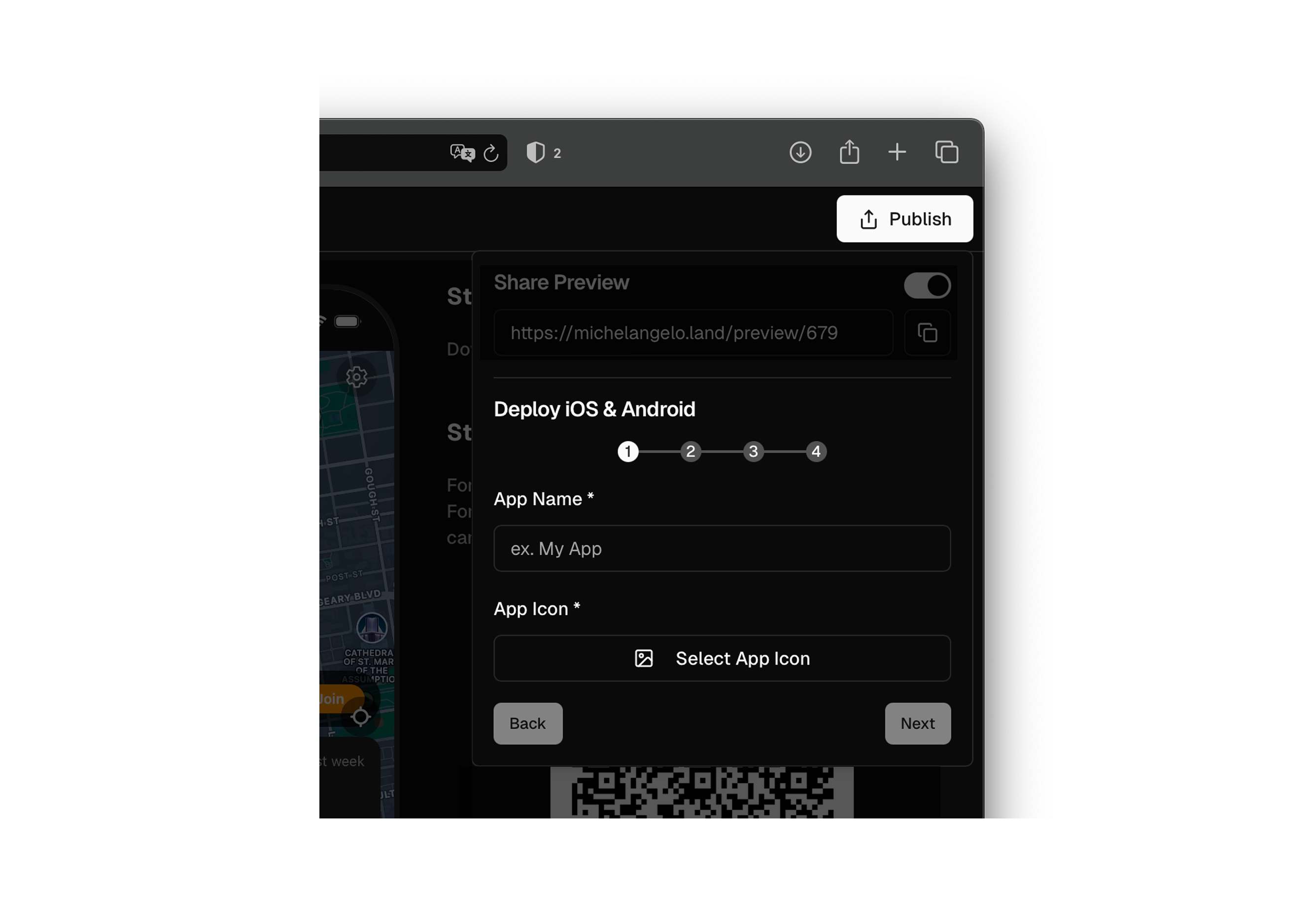
Step-by-step guide
Welcome to this step-by-step guide on how to create an application using Michelangelo.land. Each section will make the steps easier to understand.Step 1: Sign in to Michelangelo.land
For details visit Sign in to Michelangelo.land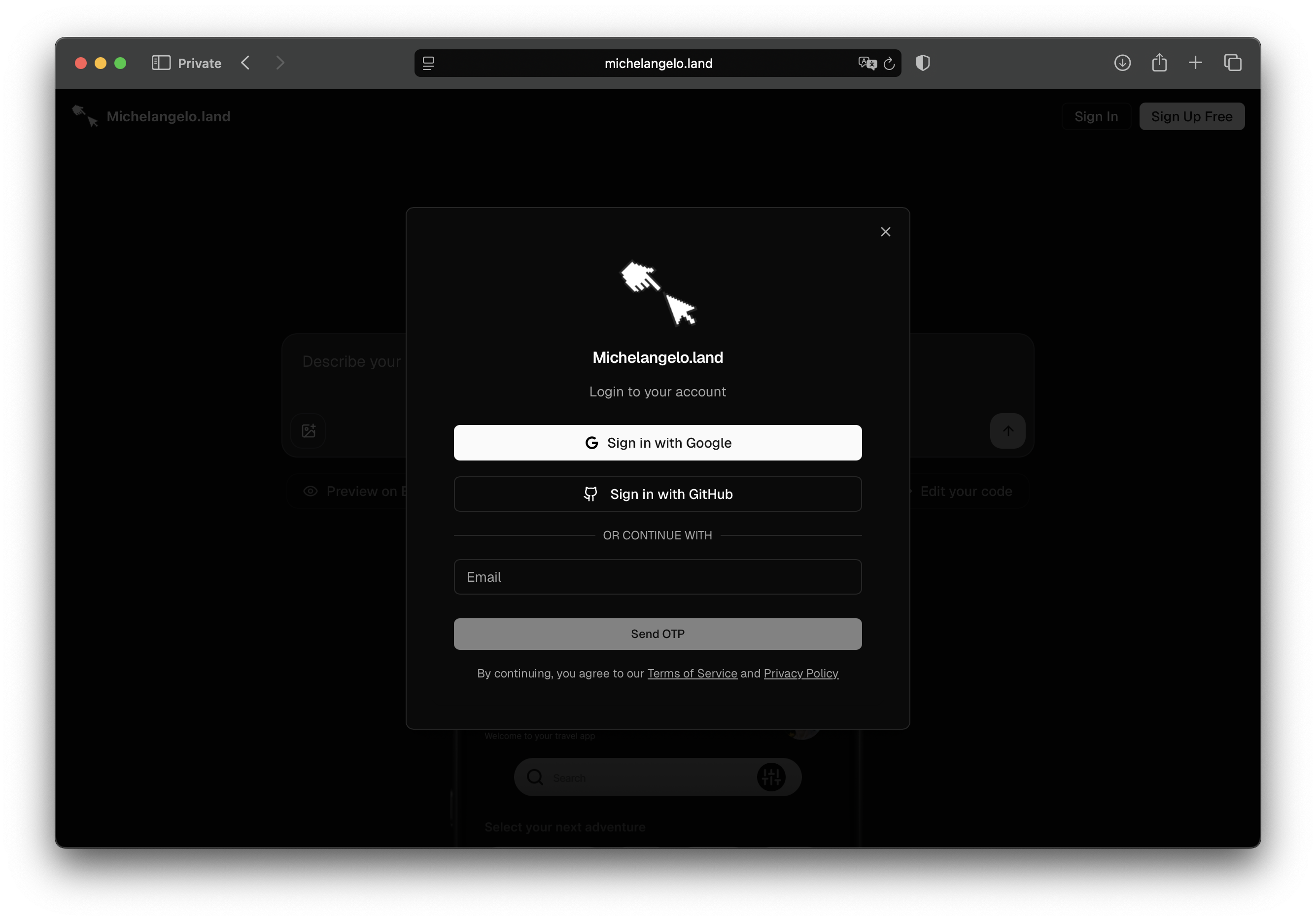
Step 2: Create your project
For details visit Create Project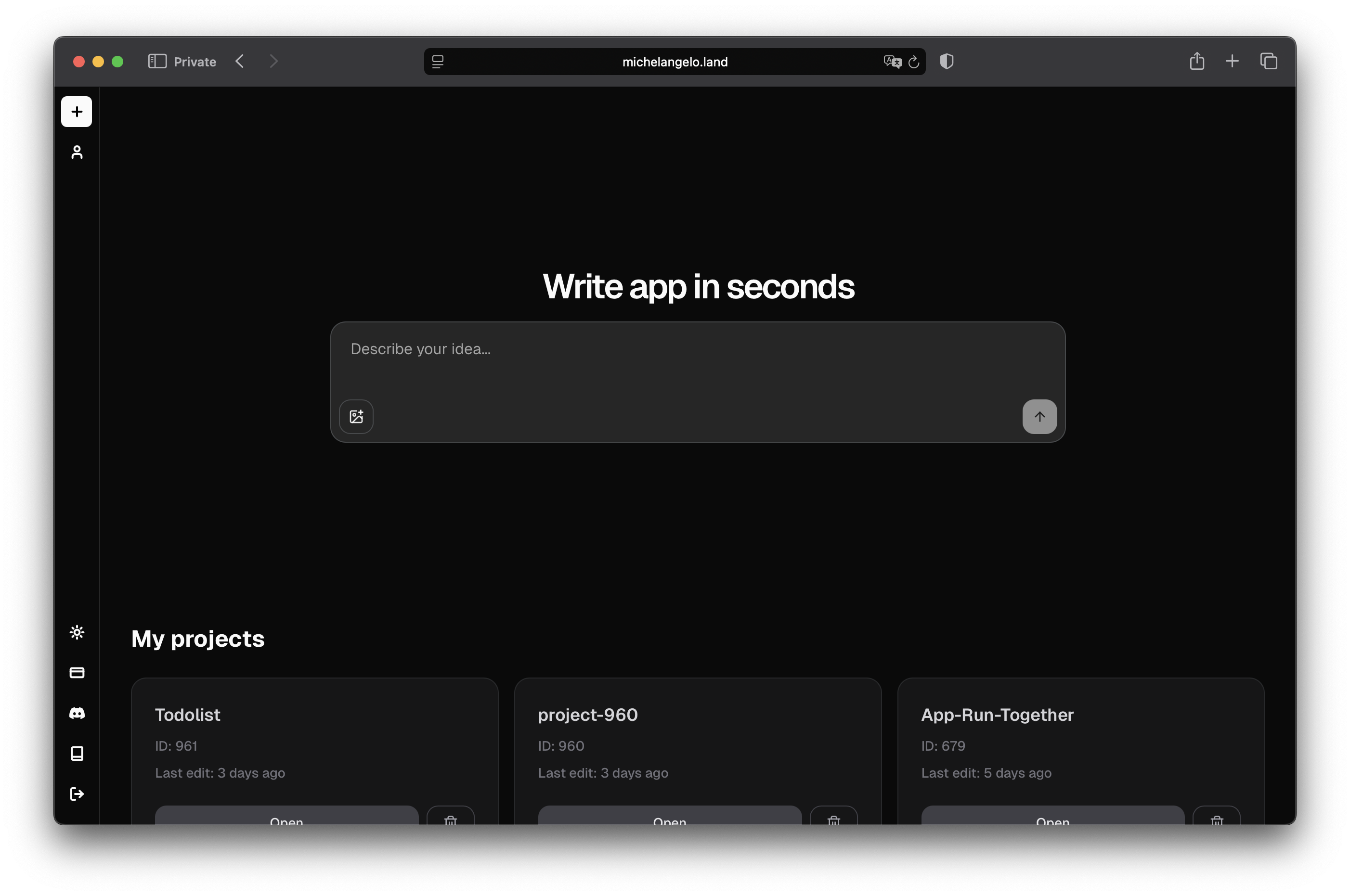
Step 3: View your App
For details visit View App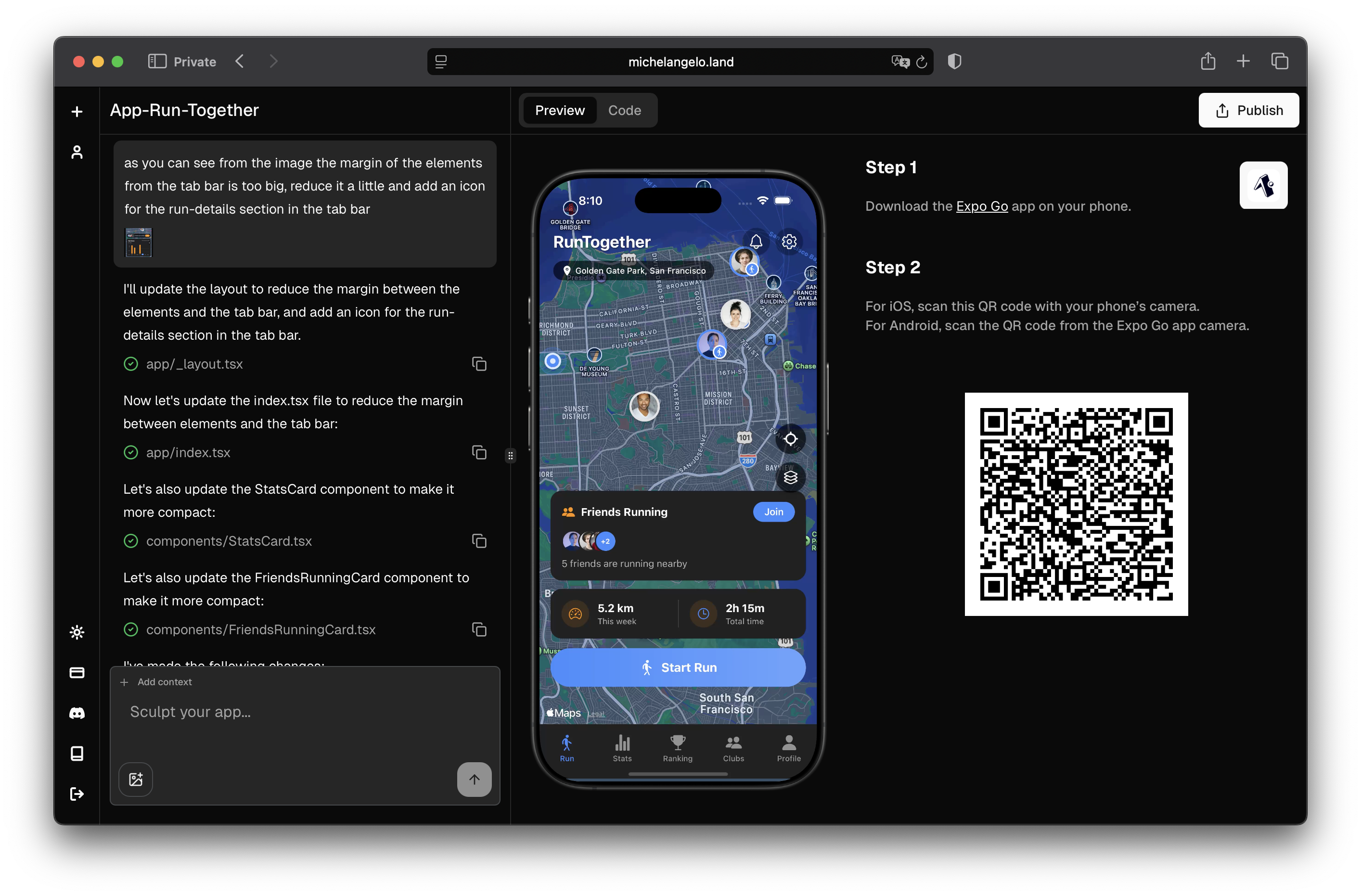
Step 4: Explore and Edit the code
For details visit Edit the code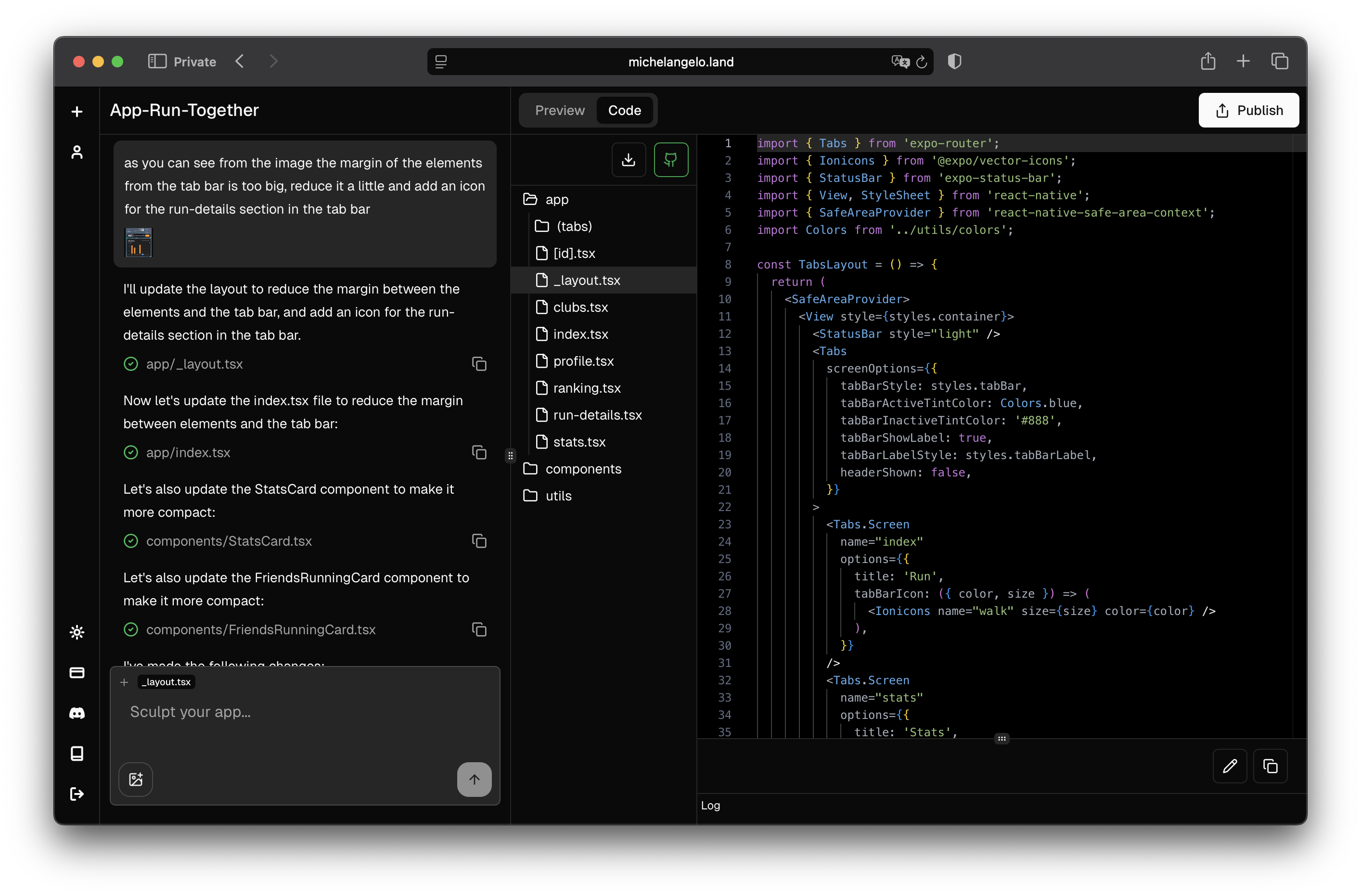
Step 5: Save and Version the Project on GitHub
For details visit GitHub Integration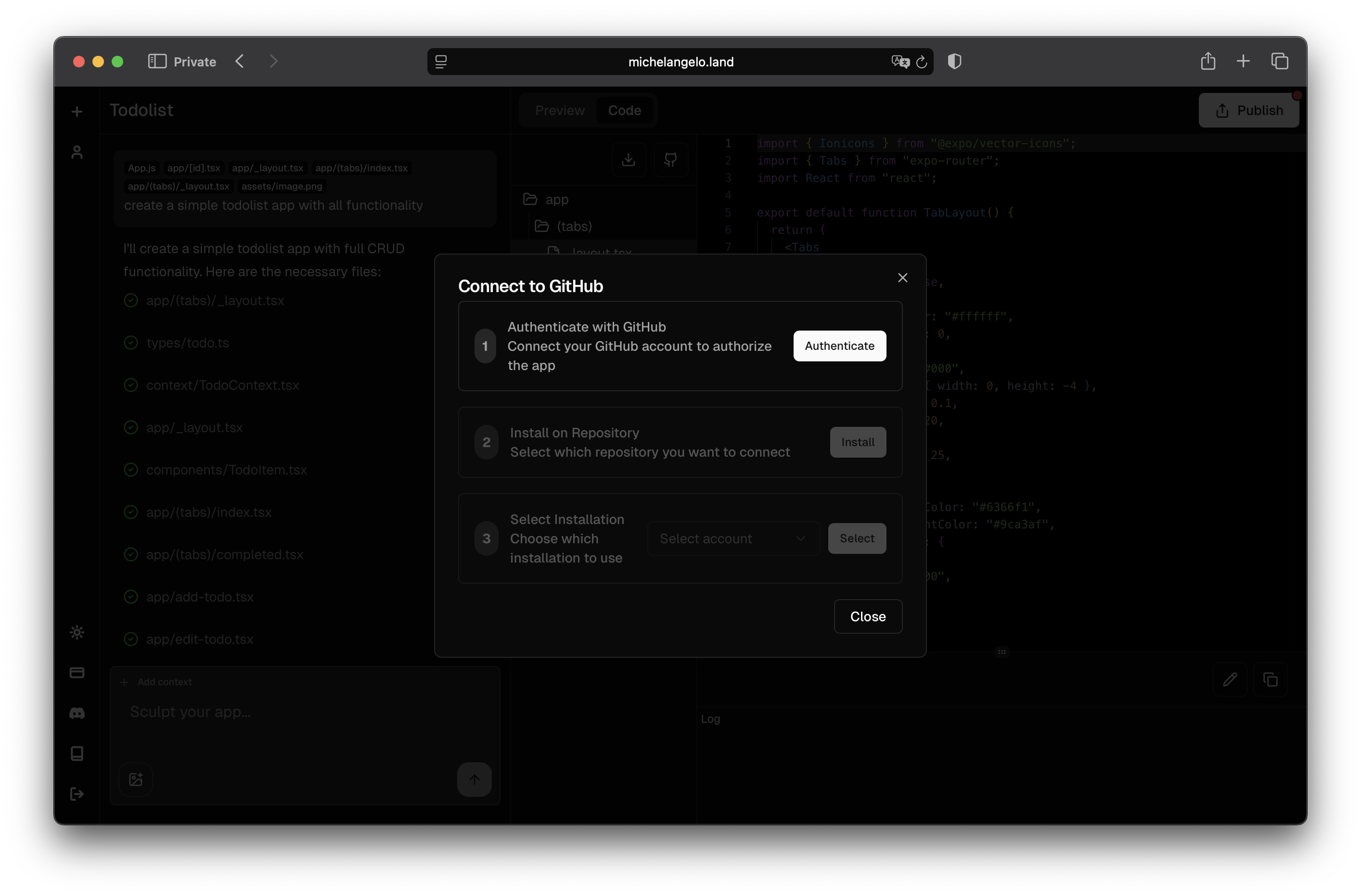
Step 6: Share Preview
For details visit Share Preview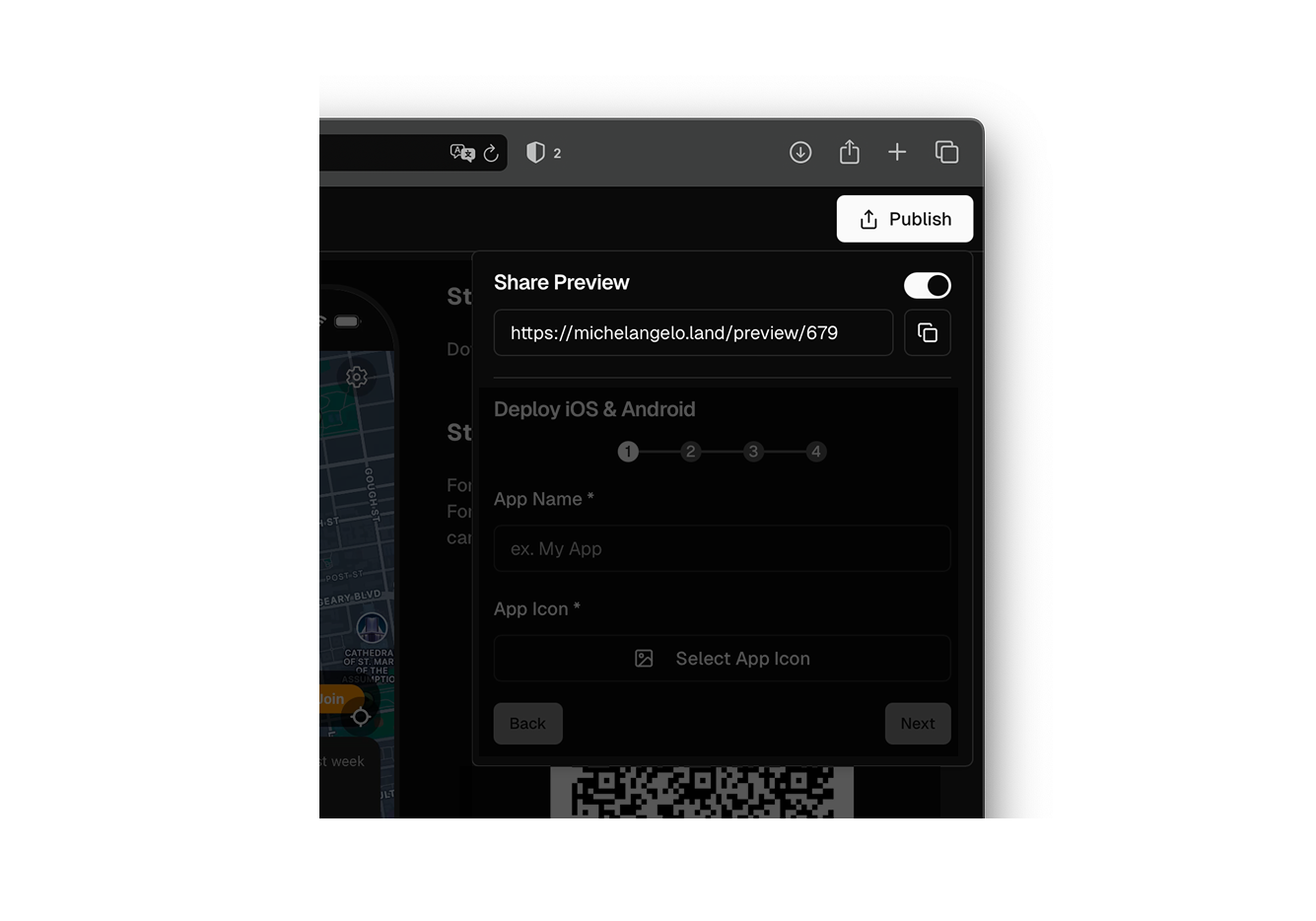
Step 7: Deploy your App
For details visit Deploy App