

@ai-sdk/openai wrapper. Here’s how to generate code using our API with just a few lines of JavaScript.
Parameters
| PARAM | VALUE |
|---|---|
| baseURL | https://api.michelangelo.land |
| apiKey | apply for an API key |
Example
michelangelo-ai/expo model. In return, you get production-ready code, instantly.
How to Get Your API Key
To start using Michelangelo’s API, you’ll need an API key. Here’s how to get one:- Log in to your Michelangelo.land account.
- Click the Profile button in the top right corner.
- Find section API and click the Request API Key button.
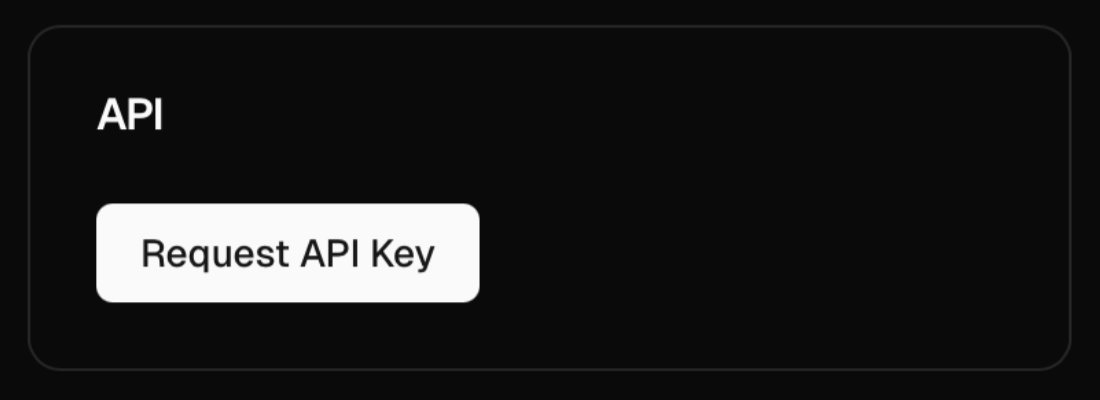
- Once requested, you’ll see the status update:
- Pending: your request is being reviewed;
- when it’s approved: your personal API key will appear in the same box. Copy it and you’re ready to build.
Why use Michelangelo’s API?
Michelangelo’s API lets you tap into the power of themichelangelo-ai/expo model — a custom AI model trained and continuously updated to understand the full Expo ecosystem. That means:
- You’re always working with the latest versions of Expo.
- The AI is tuned to generate production-ready code.
- You can integrate it into your stack and generate custom components, screens, hooks, and more with a single prompt. Whether you’re building a simple to-do app or a complex production tool, Michelangelo’s API is like having an Expo expert on-call — 24/7, ready to ship.