Step-by-step guide

Welcome to this step-by-step guide on how to create an application using Michelangelo.land. Each section will make the steps easier to understand.

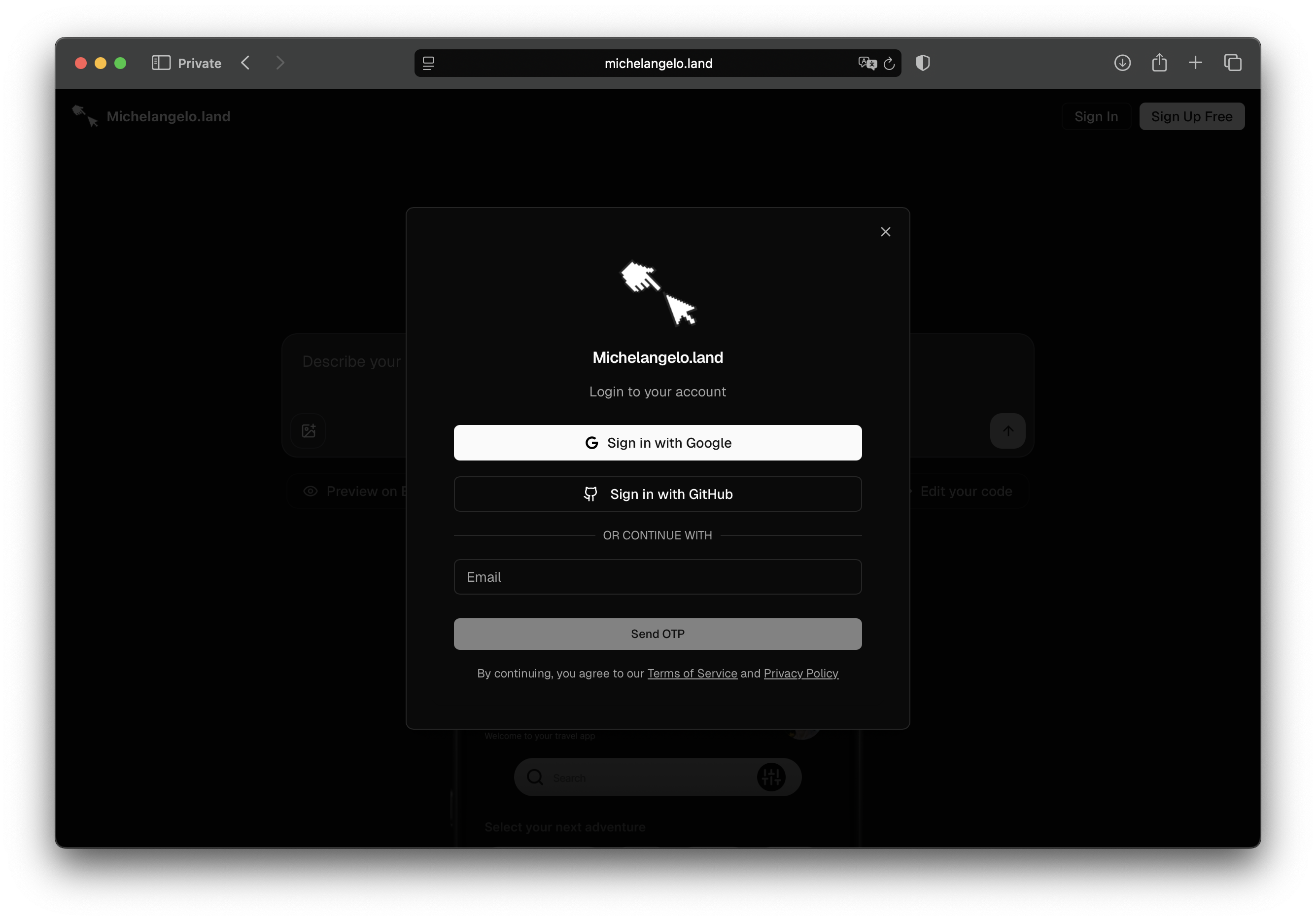
Step 1: Sign in to Michelangelo.land

For details visit Sign in to Michelangelo.land sign in to michelangelo.land

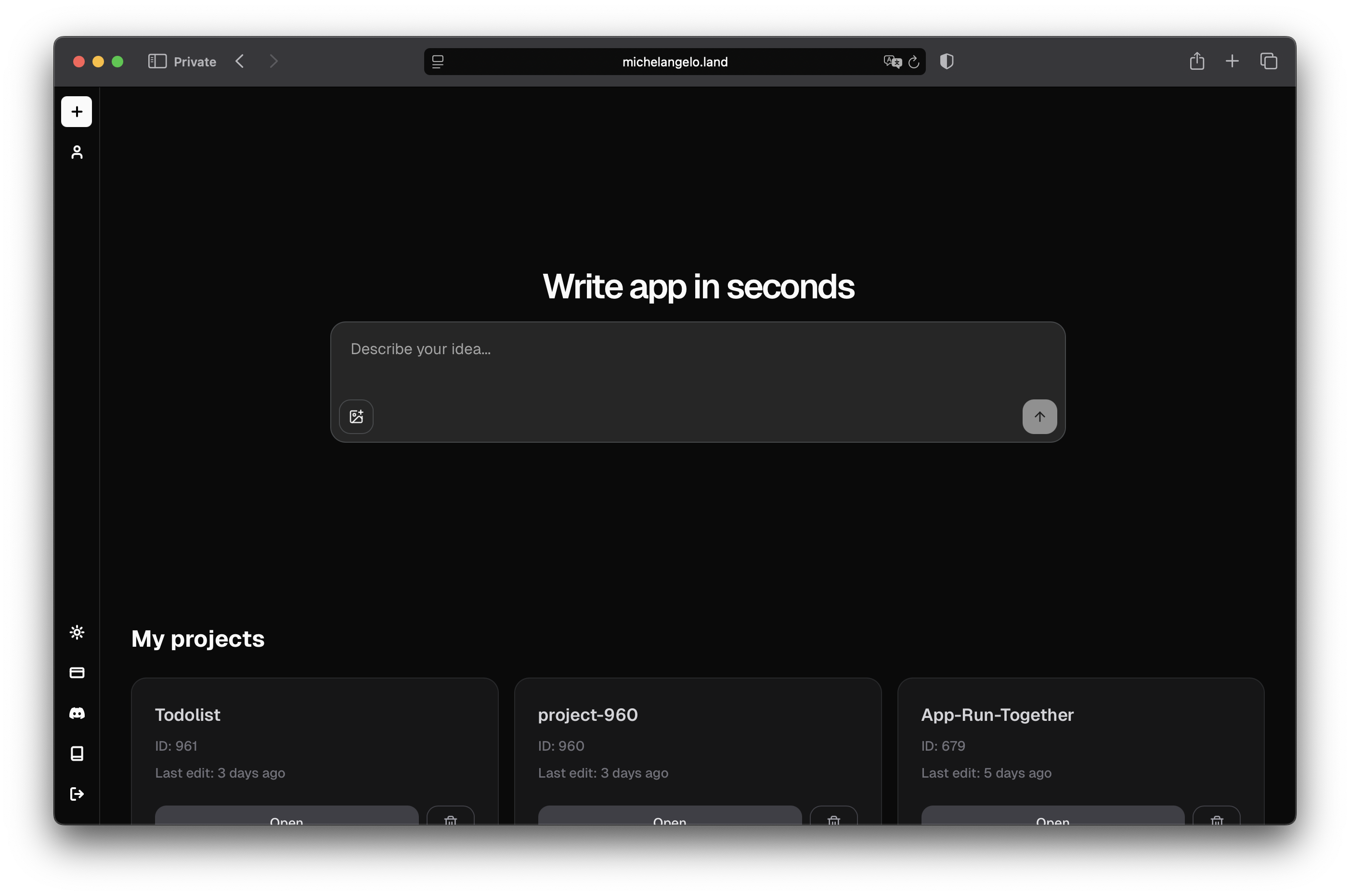
Step 2: Create your project

For details visit Create Project create a new project

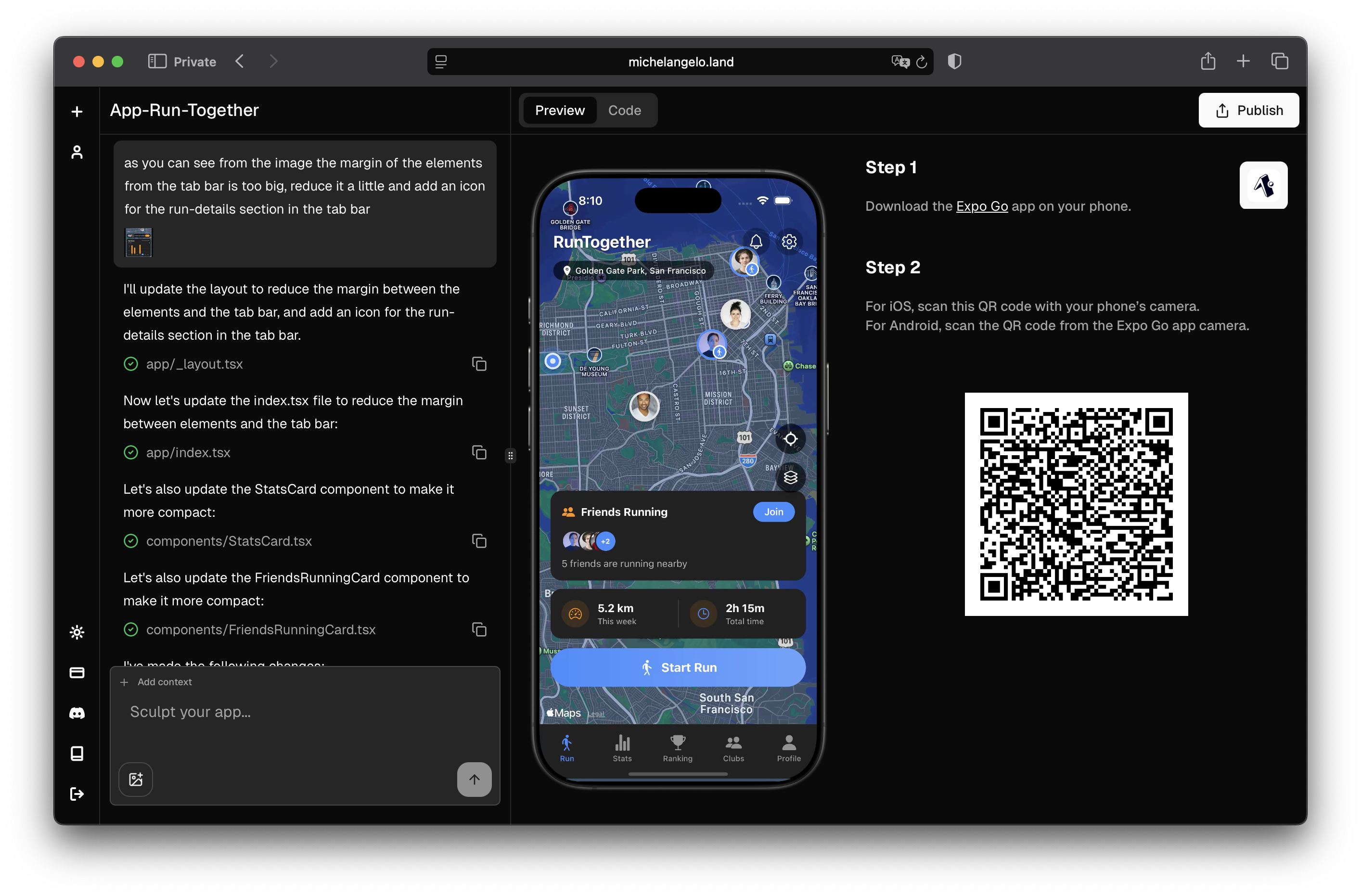
Step 3: View your App

For details visit View App view your app

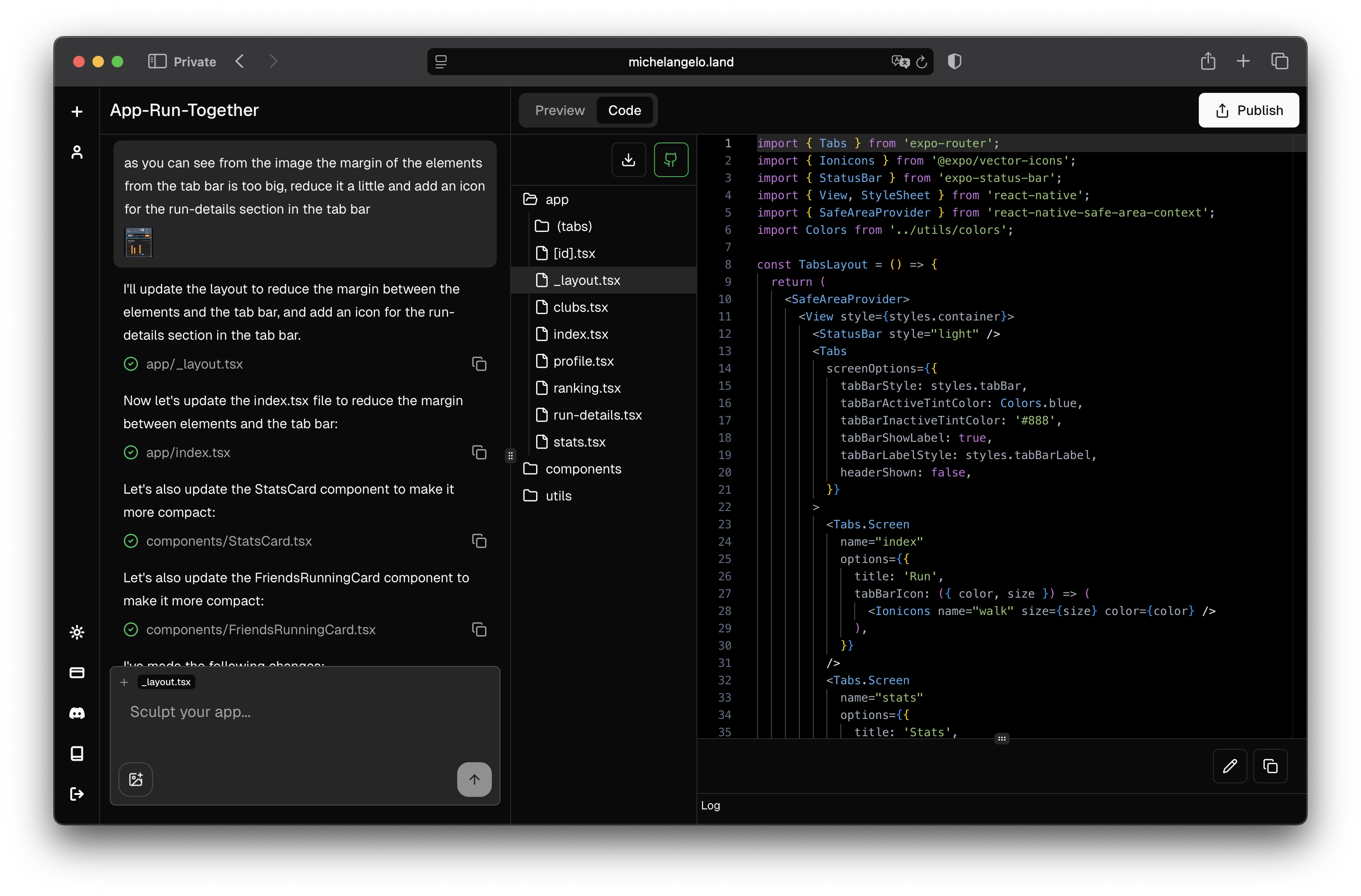
Step 4: Explore and Edit the code

For details visit Edit the code explore and edit the code

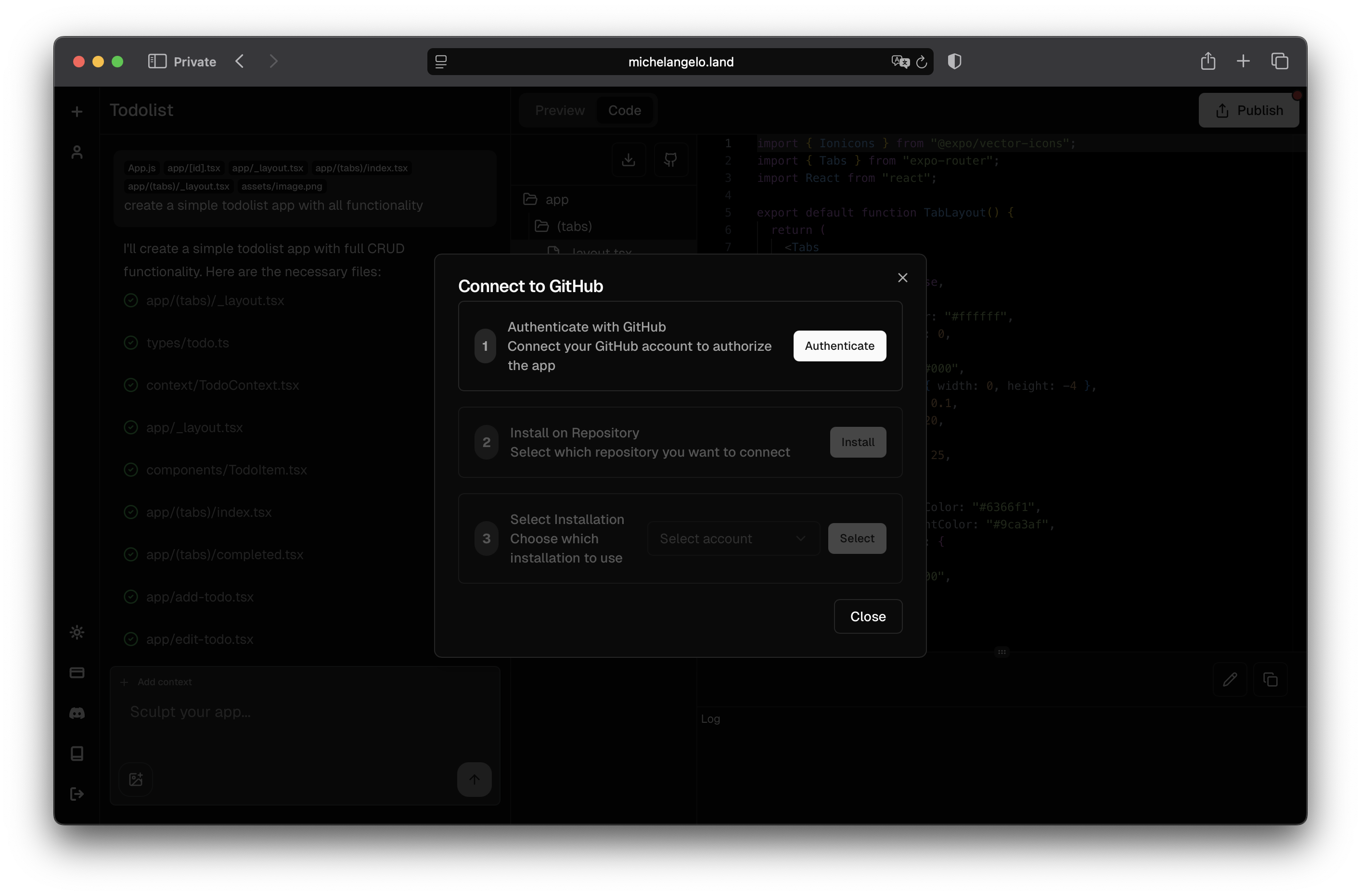
Step 5: Save and Version the Project on GitHub

For details visit GitHub Integration save and version the project on github

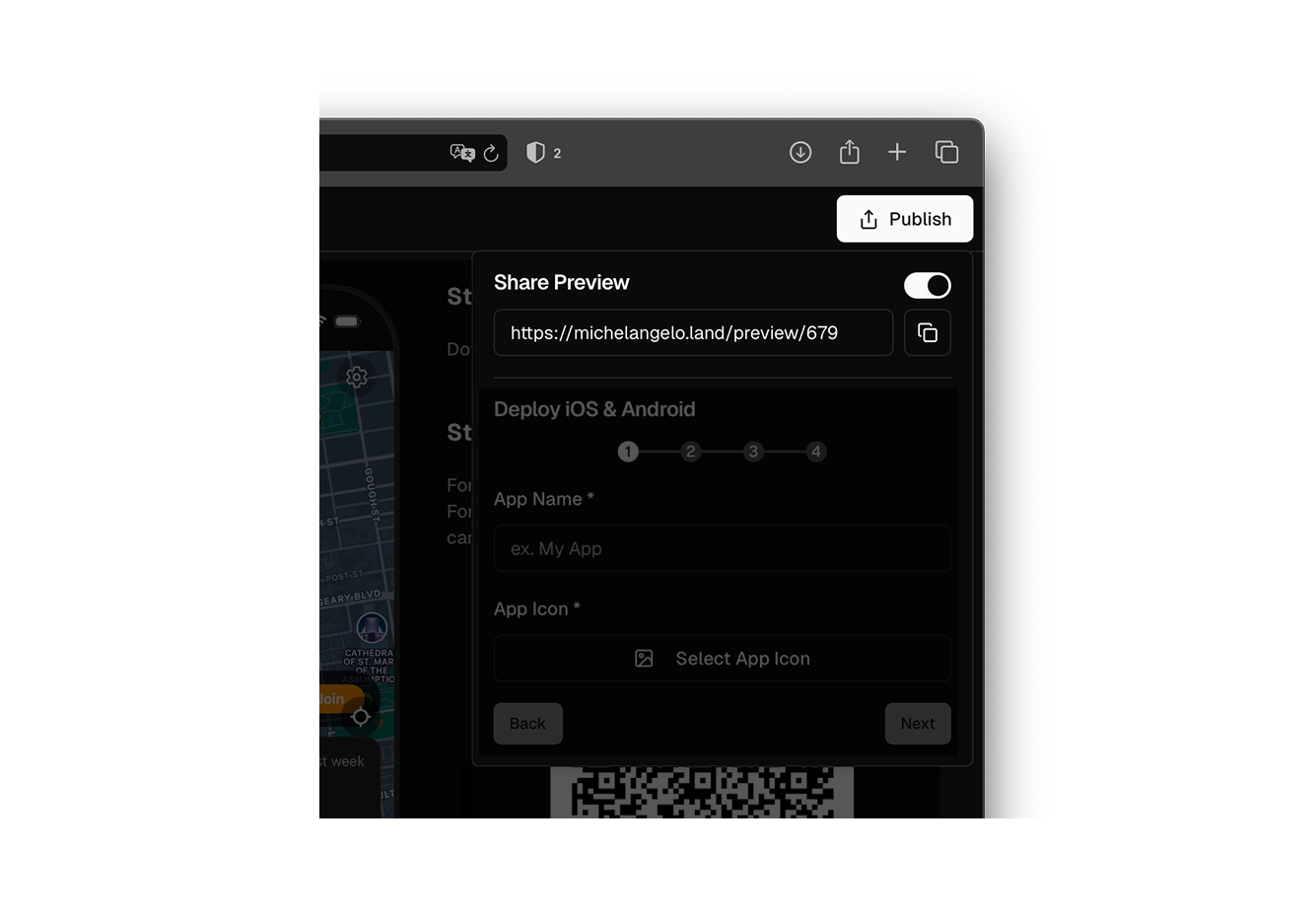
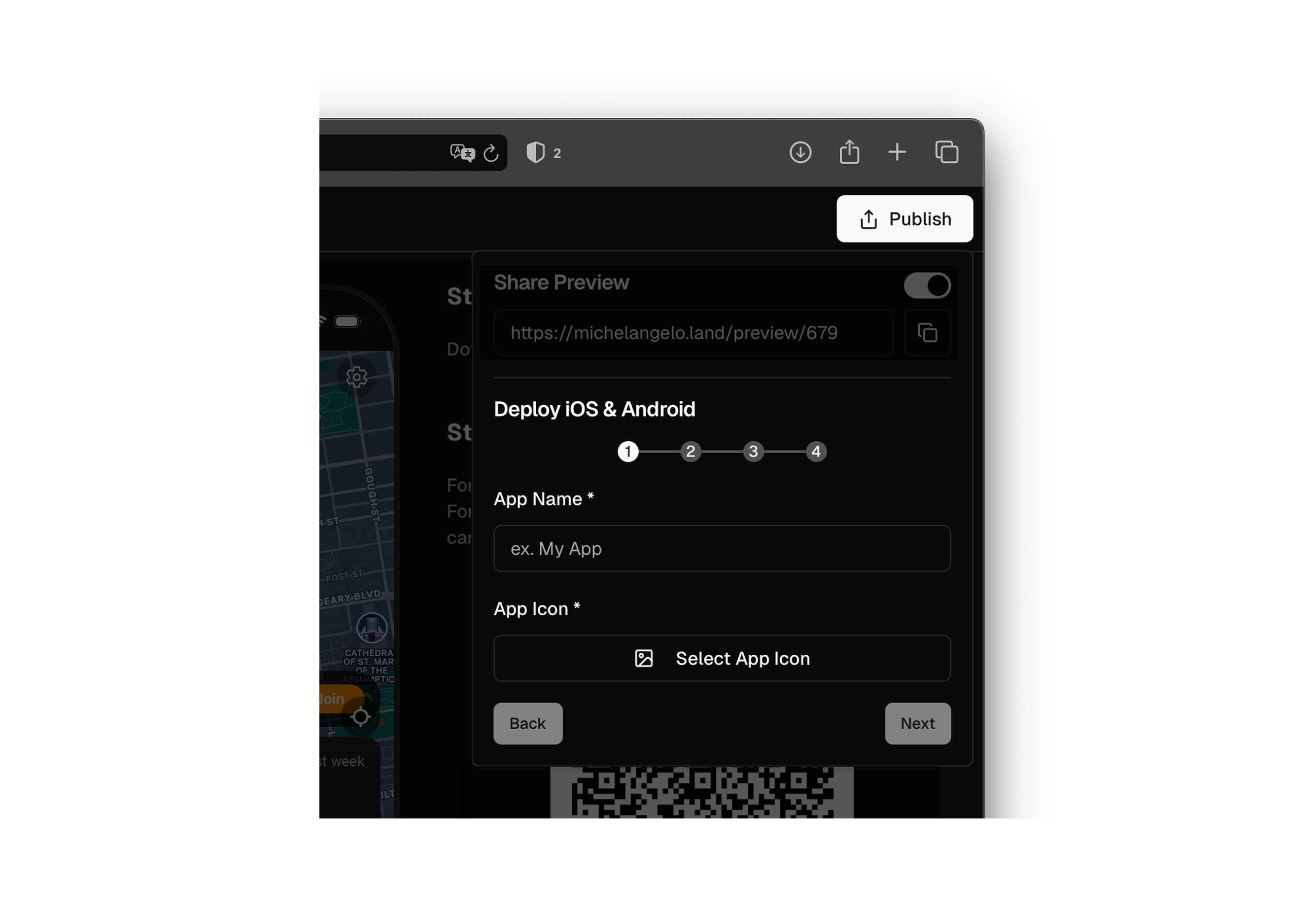
Step 6: Share Preview

For details visit Share Preview share preview

Step 7: Deploy your App

For details visit Deploy App deploy your app

Step 8: Conclusion

You just created your application with Michelangelo.land! 🥳 Now you can continue to modify, improve and distribute it easily. If you need help, visit the Support section of the documentation or join the Community!